01
Centralized Document Storage
Keep business documents together in a structured, easy-to-navigate workspace.
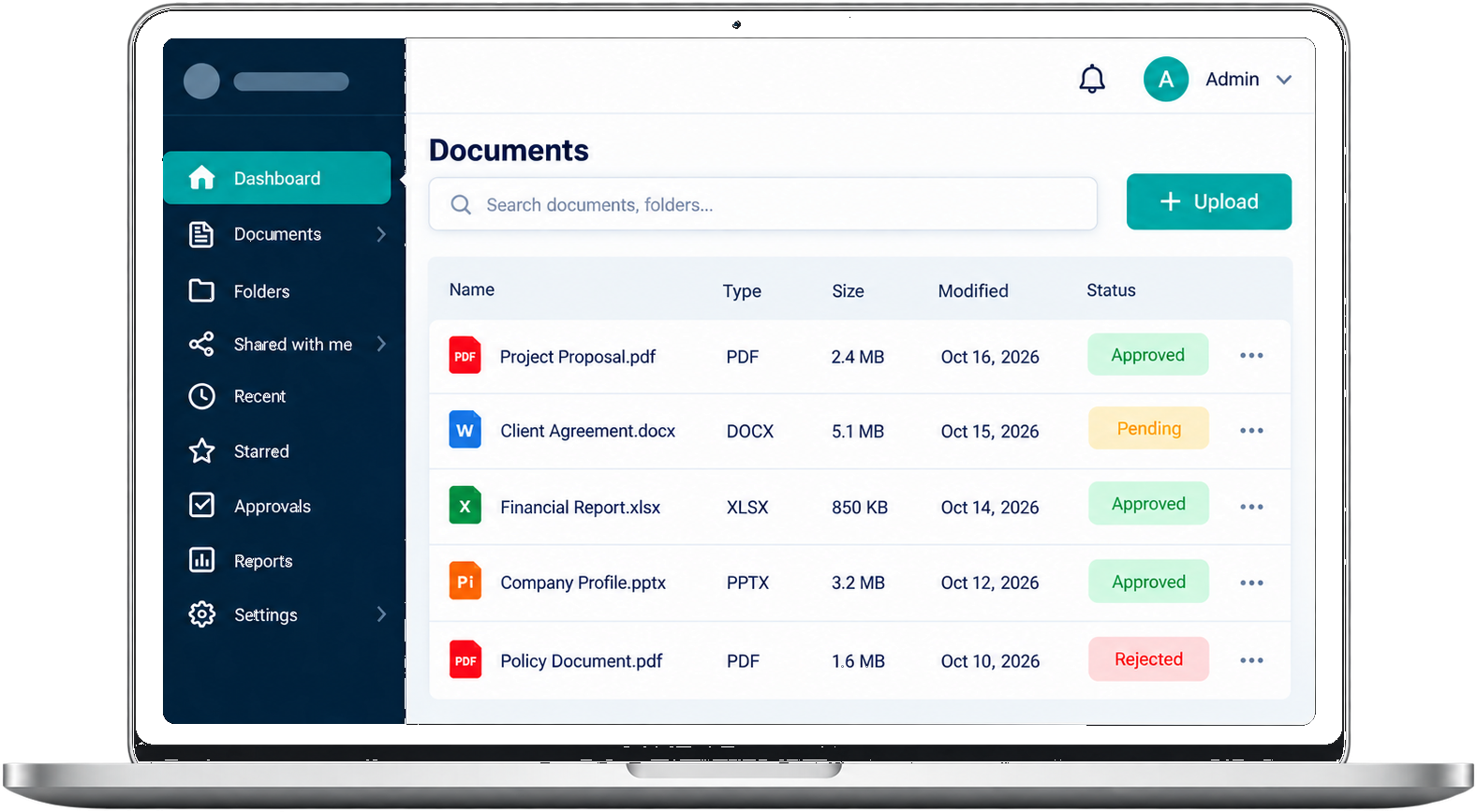
Store, search, approve and share business documents in one secure workspace.
Built in Chennai by Dextra Technologies, DexDrive document management software helps healthcare, education, finance, legal, manufacturing and corporate teams organize files with centralized document storage, smart search, document version management, approval workflows and role-based access control.

Designed to bring everyday document work together
DexDrive brings files, access, and day-to-day document work into a clear workspace designed around the way your team operates.
Keep business documents together in a structured, easy-to-navigate workspace.
Locate files with workspace search, useful details, and organized folders.
Align document access with user roles and responsibilities.
Give colleagues a shared place to coordinate around important files.
Make review steps and approval status more visible to the people involved.
Keep document revisions organized and easier to follow over time.
Review document activity and follow important changes in context.
Share documents with appropriate people and maintain clear access control.
Organize team members and permissions from a clear administrative view.
DexDrive helps bring important business documents into one organized digital workspace. Spend less time searching, make information easier to share, and create clearer everyday processes.
Keep business documents together in a structured digital workspace.
Locate files faster with organized folders and searchable document details.
Align document visibility with assigned user roles and responsibilities.
Build a consistent library that makes important information easier to find.
Give colleagues a shared place to coordinate around the right documents.
Bring review steps and everyday document handling into a clearer process.
A practical lifecycle gives teams a shared way to handle documents as they move through day-to-day work. Available steps depend on your organization's processes and software configuration.
Prepare and manage essential business documents.
Add working files to a centralized workspace.
Apply folders, categories, and useful context.
Examine content and coordinate feedback.
Record a decision through your team's process.
Keep completed records organized for reference.
A product preview with folders, files, approvals, activity, and team context—designed to make busy document work feel more manageable.
Organize business documents and simplify everyday operations through a structured digital process.
Bring important digital files into one centralized document workspace.
Arrange documents into structured folders and categories for easier access.
Find documents, manage access, and coordinate work with your team.
When your team can find what they need and work together with confidence, good things follow.
Spend less of the day hunting through folders and asking for files.
Keep people aligned with shared files and clear, simple access.
Bring your business information together with thoughtful access control.
Replace repetitive document tasks with smoother ways to work.
A centralized document management approach can reduce everyday friction and make business information easier to organize, find, and share.
Use clear access policies and document-handling practices to keep important information under control. Specific security features must be confirmed for the software and configuration in use.
Define appropriate access privileges for each user, where supported.
Align document access with organizational responsibilities.
Review document-related activity if tracking is available in your configuration.
Set clear sharing practices around sensitive business documents.
Use available revision history to understand document changes.
Confirm retention, backup, and recovery options with your software provider.
Clear roles help teams manage documents with the right level of access and oversight.
Manage the complete platform, users, settings, and permissions from a central administrative role.
Organize documents, manage staff, and coordinate department-level access.
Upload, view, search, and collaborate on documents available to their role.
Different organizations handle different records. A document management solution can support clearer organization and access practices when configured for each team's requirements.

Document management system for healthcare. Organize administrative records and operational files with appropriate access controls.

Document management software for schools and colleges. Keep academic and administrative records easy to find.

Document management for finance companies. Structure reports, statements and internal records for quick retrieval.

Legal document management software. Organize contracts, agreements and case files in one searchable library.
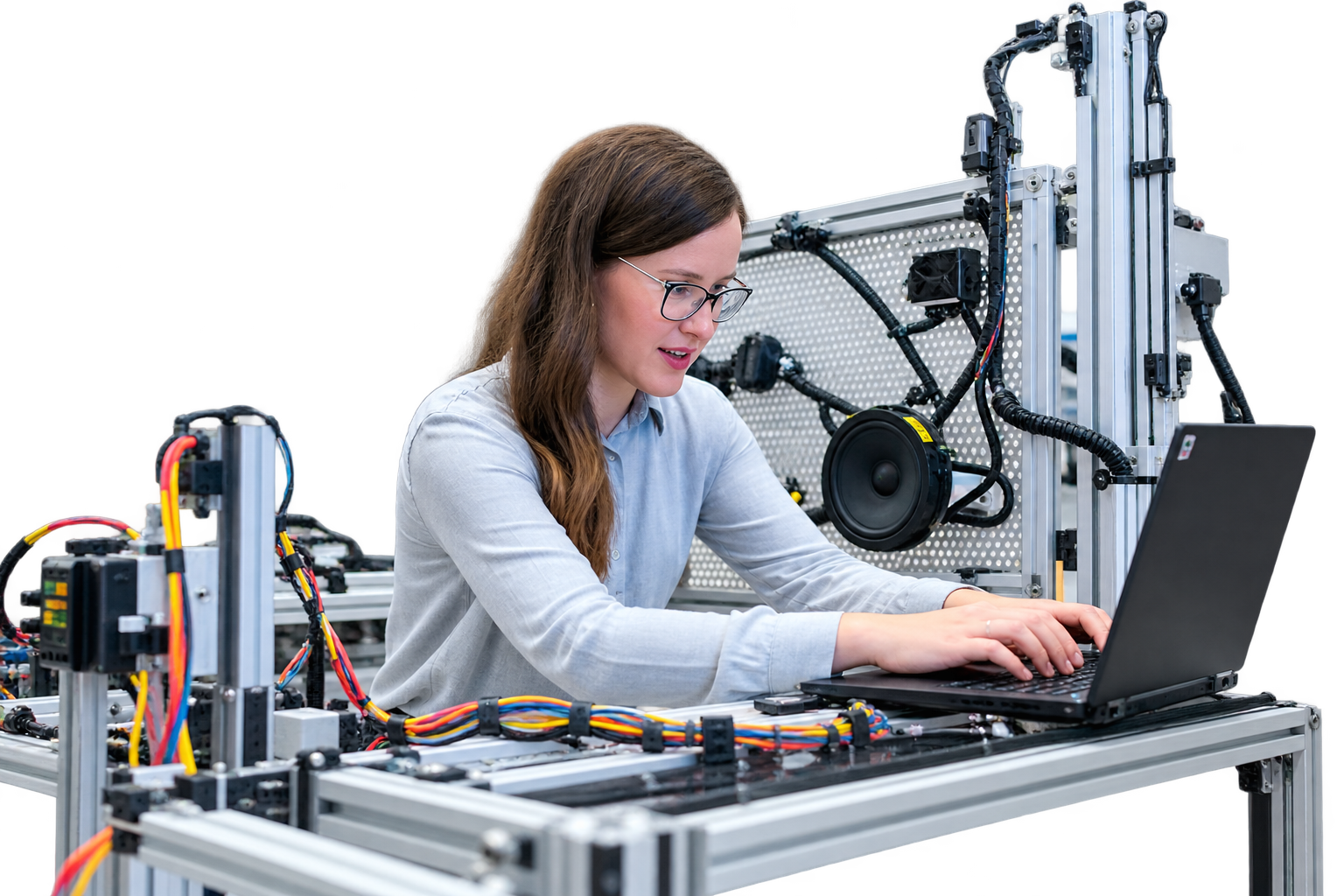
Document management for manufacturing. Keep production, quality and operational records in a structured library.

HR and policy document management. Manage staff documents, policies and internal records centrally.
Clear structure and shared practices help people spend less effort managing files and more effort on the work around them.
Centralized folders, consistent categories, and clear file naming help teams maintain an organized library as information grows.
When colleagues can locate the right information and understand how it is shared, communication across departments becomes easier to coordinate.
Replacing scattered documents and manual handoffs with a structured digital workspace can make everyday processes more consistent.
Practical document management starts by identifying where information gets lost, duplicated, or delayed, then agreeing on clear practices for the whole team.
Clear answers about document organization, access, collaboration, and choosing a DMS.
Document management software (DMS) is a system that stores, organizes, tracks and controls access to business documents in one central place. DexDrive lets teams upload files, organize them in folders, search them, review them and approve them without digging through email or shared drives.
A DMS saves time finding files, reduces duplicate or outdated versions, makes approvals visible, and lets you control who can see which document. It also supports a paperless office.
DexDrive includes centralized document storage, smart search, role-based access control, document version management, approval and workflow tracking, document activity history, secure file sharing, team collaboration, and admin and staff management.
DexDrive has three roles. A Super Admin manages the whole platform, users and permissions. An Admin manages documents, staff and department access. A Staff Member uploads, views, searches and collaborates on documents allowed for their role.
Cloud storage mainly holds files. A document management system adds structure on top: categories, version history, approval steps, role-based permissions and activity tracking.
DexDrive suits healthcare, education, finance, legal, manufacturing and corporate offices, or any business that handles large volumes of documents.
Yes. You can arrange documents into structured folders and categories so every team finds files the same way.
Start by listing your document types, users and access needs, then book a demo. The Dextra Technologies team will walk you through the workspace and set it up for your process.
DexDrive is based in Chennai, Tamil Nadu.
Explore a more structured way to organize, access, and manage business documents and everyday workflows.
Have a question or want to explore the DexDrive document management system? Leave your details for the team.